Elementor Performance: Get 90+ Speed Without Coding in 2026
Feb 16, 2026
/1 min read
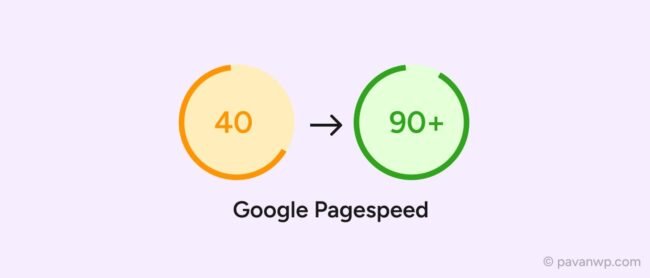
In 2026, a “beautiful” website that takes 4 seconds to load is effectively invisible. With Google’s emphasis on Core Web Vitals and the official replacement of FID with INP (Interaction to Next Paint), performance isn’t just a technical metric, it’s a ranking factor.
Many designers think Elementor is naturally “heavy,” but that’s a myth. The “bloat” usually comes from poor configuration, not the builder itself. Here is the exact, no-code workflow I use at PavanWP to hit 90+ scores on mobile.
1. Activate the “Secret” Performance Experiments
Elementor has built-in features that drastically reduce code weight, but they are often turned off by default to ensure backward compatibility.
Go to: Elementor > Settings > Features.
Activate these:
Optimized DOM Output: Removes unnecessary <div> wrappers (the #1 cause of bloat).
Improved Asset Loading: Only loads the code for widgets actually used on the page.
Improved CSS Loading: Renders CSS inline for the “Above the Fold” content to prevent layout shifts (CLS).
2. Move from Sections to Flexbox Containers
If you are still using “Sections” and “Inner Sections,” you are adding 3-4x more code than necessary.
The Fix: Convert your layouts to Flexbox Containers.
Why: Containers use modern CSS to handle alignment, resulting in a much slimmer DOM size. This is the fastest way to improve your LCP (Largest Contentful Paint) score.
3. The Image Strategy: WebP/AVIF & Fetch Priority
Images are usually the biggest “weight” on a page.
Format: Use WebP or the newer AVIF (30% smaller than WebP).
Dimensions: Never upload a 4000px image for a 500px box. Resize before you upload.
Fetch Priority: For your Hero image, set the “Loading Priority” to High (available in Elementor’s image settings). This tells the browser to load it before anything else.
4. Taming the Plugin Bloat
Every “Add-on” pack you install adds a new CSS and JS file to every page, even if you only use one widget.
The Fix: Use the Element Manager (Elementor > Element Manager).
Action: Deactivate every widget you aren’t using. If you don’t use the “Flip Box” or “Price Table,” turn them off to stop their code from loading in the background.